How to Make a Comic Strip from a Photo
Free, in under a minute — using an AI comic generator built for it.
Comic strips are one of the most shareable formats on the internet. They're small, funny, and self-contained — perfect for group chats, Instagram stories, and that "wait, look at this" moment with a friend. The problem? Actually making one used to require drawing skills, writing chops, and an afternoon of fiddling with layouts.
An AI comic generator changes that. With a tool like ComicMe, you upload a single photo, pick a theme, and a few seconds later you've got a real 4-panel comic strip starring you — story, art, captions, dialogue, the whole thing. Here's the practical guide.
Why comic strips work
A 4-panel comic forces a shape: setup, complication, escalation, punchline. That shape is why strips have lasted a hundred years in newspapers — and why they're still the format your phone screenshots end up looking like when a friend nails a joke in a group chat.
When you put yourself in the strip, it gets personal — the comedy is about your Monday morning, your deadline panic, your 2am "should I text them?" moment. That's why selfie-to-comic tools have exploded: they're identity-shaped memes you can actually star in.
How to make one with ComicMe
Upload a photo
Open ComicMe and either take a selfie with your camera or upload a photo from your device. Sign in with a free account to make your comic. Any clear photo of your face works — phone selfie, webcam shot, group photo cropped to one face.
Pick a theme
Choose from 12 ready themes — Monday Morning, Coffee Break, Deadline Mode, Weekend Vibes, Family Chaos, Street Food Run, Side Hustle, Late Night Feels and more — or type your own scene. The theme decides the tone and the situation your character is in.
Generate, then share
The AI writes a short story, draws all four panels, and overlays speech bubbles. About a minute later you've got a comic strip you can download as a single PNG or send straight to Twitter, Facebook, or Instagram.
Tips for a great result
- Use even lighting.Natural daylight or a window in front of you beats overhead office light. Harsh shadows confuse the model and make panels look muddy.
- Show your full face.Hats, sunglasses, and side angles all reduce how much the AI has to work with. A straight-on shot with both eyes visible gives the most consistent character across panels.
- Pick a theme with comic energy.Themes with strong emotional swings — Deadline Mode, Family Chaos, Late Night Feels — give the writer more to work with than neutral prompts. The bigger the feeling, the funnier the punchline.
- Try the same photo on three themes.Same selfie, three different scenarios. You'll quickly learn which themes match your face and humor — and you'll have three shareable comics out of one upload.
What it looks like
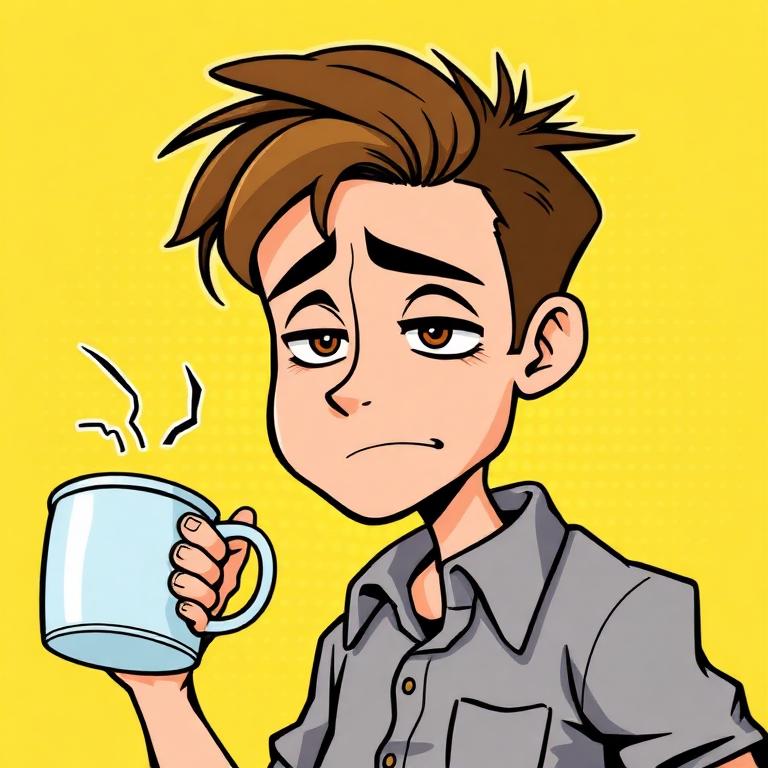
Monday Morning
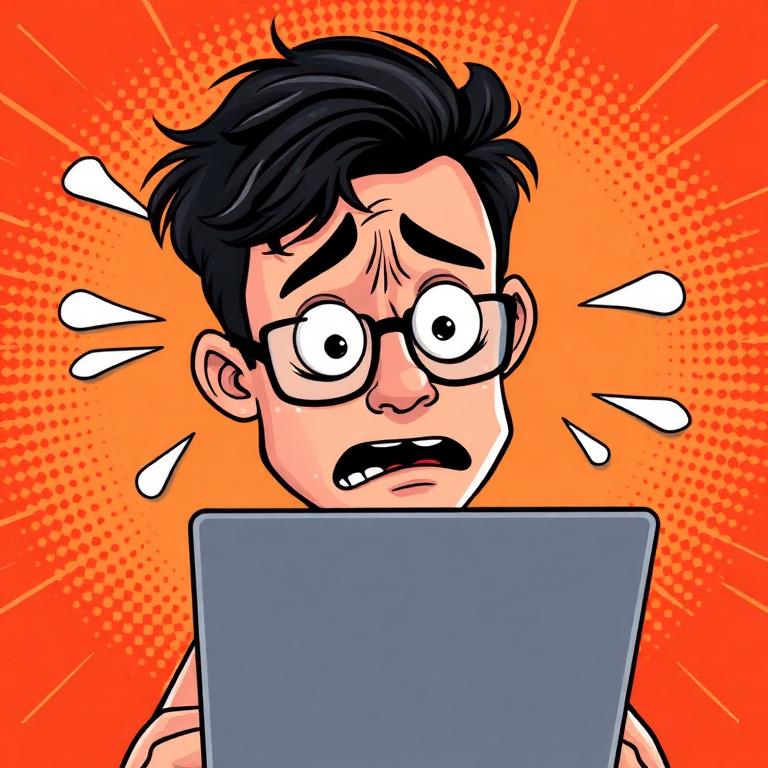
Deadline Mode

Weekend Vibes
Try it with one of your photos
Free account required, ready in about a minute.
FAQ
What's the best comic strip maker for beginners?+
If you've never made a comic before, you want a tool that handles the writing and drawing for you. ComicMe is built exactly for that — it's a free AI comic generator that turns a single selfie into a full 4-panel comic strip with story, art, captions, and dialogue. No design skills needed.
How does an AI comic generator work?+
It chains a language model and an image model together. The LLM writes a short 4-beat story (setup, complication, escalation, punchline). Then an image model draws every panel in a chosen comic style, and the app overlays speech bubbles and captions on top.
Can I make a comic strip from just one photo?+
Yes. ComicMe only needs one clear photo of your face. It re-draws you in a comic style across all four panels, so consistency comes from the AI — you don't need to upload multiple shots.
Are AI-generated comics free to use commercially?+
ComicMe comics are free to download and share personally. For commercial use, check the latest terms on the site — most AI-generated outputs are usable in personal posts, group chats, and social content without restriction.
What makes a good comic strip?+
A strong 4-panel comic has a clear setup, a small twist or complication, escalating tension, and a punchline you don't see coming. ComicMe's writer is tuned for exactly this shape, which is why the output reads like a real strip instead of random captions.
Make a comic strip from your photo
ComicMe is the easiest free comic strip maker on the web — one photo in, full 4-panel comic out. Share with your group chat in 60 seconds.